
Enable the timer
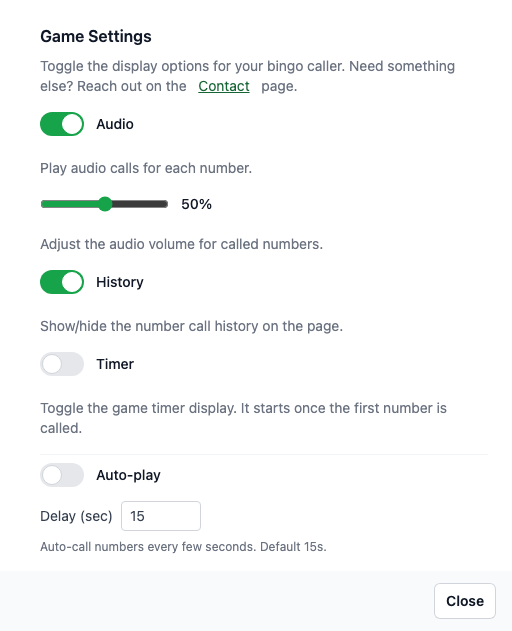
Open settings via the gear icon and toggle Timer on.
The timer begins with the first call and pauses when you reset the game.
When to use the timer
Track round pacing during events so hosts can adjust call speed.
Share timing expectations with players in tournaments or classrooms.
Reset behavior
Resetting the game clears the timer back to 00:00.
If you refresh the page mid-round, the timer resumes from the saved timestamp.