
Where to find the audio setting

Open the 75-ball bingo caller and click the gear icon in the top bar.
In the settings modal, toggle the Audio switch to enable or disable voice announcements (audio is currently available on 75-ball only).
What the toggle controls
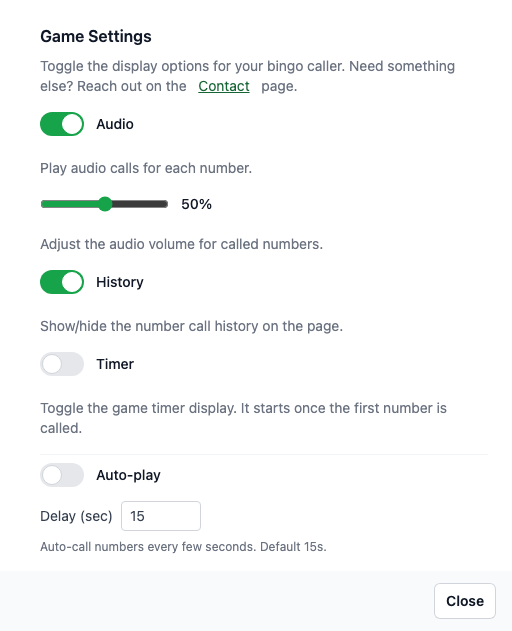
When enabled, each called number plays a matching audio clip (currently supported on the 75-ball caller only).
When disabled, numbers are still drawn and displayed but stay silent so you can run your own announcements.
Tips
If you refresh the page, your audio preference is saved locally and restored on the next visit (audio-enabled callers only).
For venues with their own emcee, leave audio off and run fullscreen so only the board is shown.